Manual Deployment
Manually deploy LangBot from source. Step-by-step setup for the open-source AI bot platform on Linux, Windows and macOS.
Installing the Main Program
- Go to the Release page to download the latest version of the zip package (recommended)
langbot-xxx-all.zip(do not download Source Code as it does not include WebUI). Extract it and open a command line (terminal) in the extracted directory.
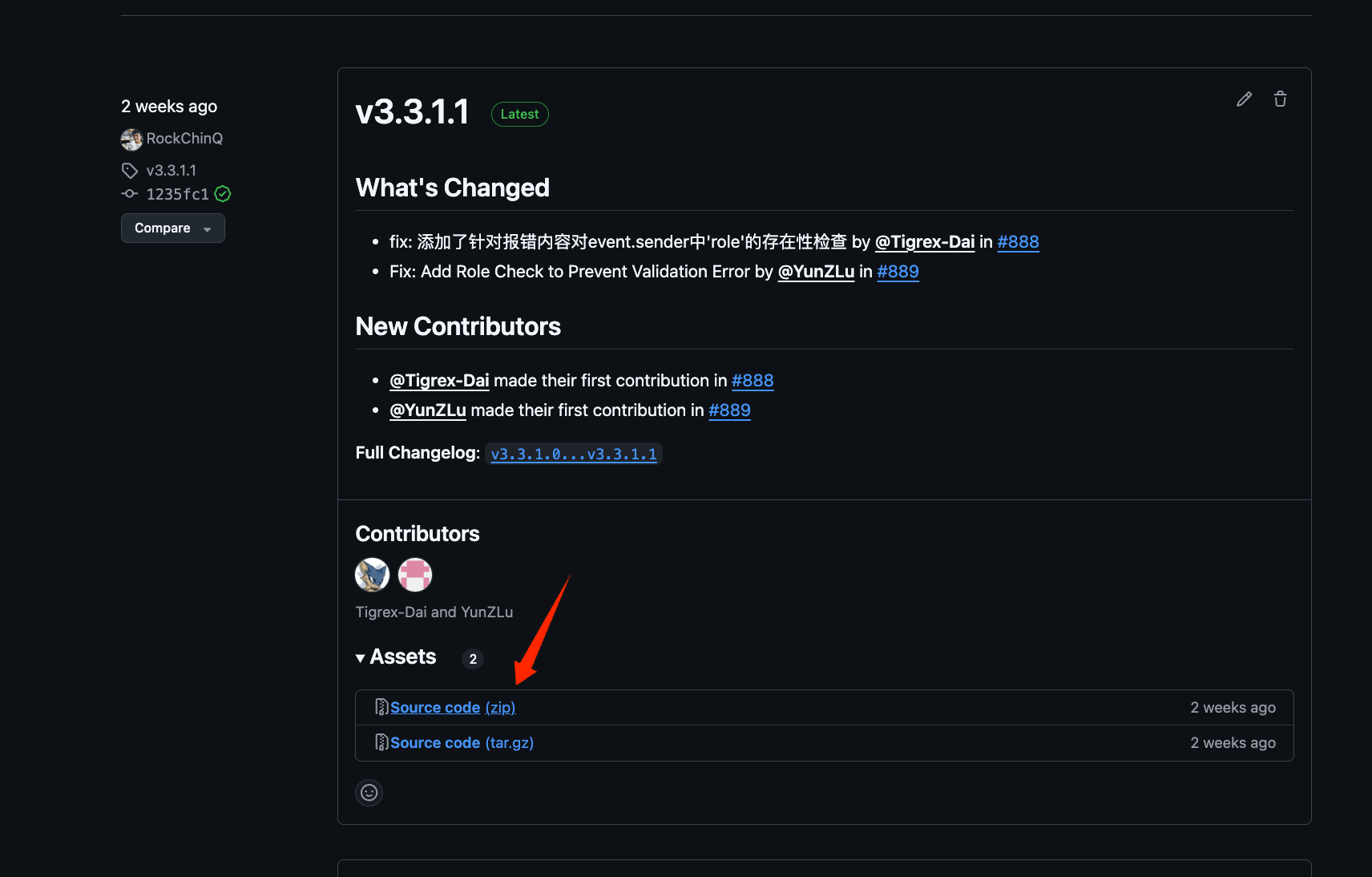
- Install dependencies
We use uv to manage dependencies.
pip install uv
uv sync
The default installation does not include optional SeekDB support. If you need the SeekDB vector store or built-in embedding model, use:
uv sync --extra seekdbEmbedded-mode platform support depends on the available pylibseekdb wheels;
Apple Silicon currently requires macOS 15 or later. All other LangBot features
can use the default uv sync installation.
- Run the main program once to generate configuration files
uv run main.pyYou will see the following message:
 _                   ___      _
| |   __ _ _ _  __ _| _ ) ___| |_
| |__/ _` | ' \/ _` | _ \/ _ \  _|
|____\__,_|_||_\__, |___/\___/\__|
               |___/

⭐️Open Source: https://github.com/langbot-app/LangBot
📖Documentation: https://docs.langbot.app

The following files do not exist and have been automatically generated. Please modify the configuration files as needed and restart:
- data/config.yaml
...
You can now use Ctrl+C to exit the program and continue to the Configure Bots page.